What tools can monitor contractor insurance expiration?
Google Calendar can provide event reminders; Microsoft Lists can connect dated records to a Power Automate reminder flow; dedicated COI software can combine policy records, documents and a review queue. The right choice depends on who maintains the dates, who receives the alerts and how your team follows up. A reminder feature alone does not complete the renewal process.
This guide compares those three approaches specifically for expiration work. For broader platform selection, use the COI software decision guide. For configuration after selection, use the expiration-alert setup guide.
Download the tool-selection matrix and example
- Blank expiration-tool selection matrix — seven requirements to assess against the actual tool, plan and configuration.
- Fictional calendar-proposal evaluation — see why missing policy dates, an untested backup and an unassigned request owner remain open.
These original CSVs need no email or account. They are evaluation worksheets, not another general policy tracker or a SubDoc import format. They contain no formulas, macros or automatic pass score. The example is a fictional tabletop exercise, not a test we performed on Google Calendar or another product.
Compare three ways to organize expiration work
| Approach | Useful starting point | Work your team must account for |
|---|---|---|
| Google Calendar | Event-based reminders for an explicitly assigned owner. | Represent policy lines, maintain evidence links, verify each recipient's settings and keep the review outcome elsewhere. |
| Microsoft Lists with a reminder flow | Structured records tied to a date column and email reminder. | Maintain the list, flow connections, recipients and document-review process; confirm your organization's access and licensing. |
| Dedicated COI tracking software | Evaluate policy records, document collection, renewal views and follow-up together. | Verify the exact plan's behavior, ownership, exports and review responsibilities rather than relying on a feature label. |
These are approaches to evaluate, not universal winners. Count the separate policy lines and handoffs you actually maintain. There is no evidence-based vendor-count cutoff in this article at which a calendar suddenly becomes unsuitable or software becomes mandatory.
Google Calendar: sharing an event is not the same as sharing alerts
Google's notification documentation describes email and other event notifications. It also says notification settings are personal: one person's settings do not control reminders for everyone with access to a calendar. That distinction matters when an office manager assumes the backup will receive the same email.
For a small workflow, create clear event names linked to the policy record and assign the person responsible for follow-up. Check each intended recipient through their own authorized account. Avoid putting sensitive certificates or private upload links in an event shared with a wider group.
Use a calendar when the team can maintain its supporting register and review steps consistently. Reconsider the arrangement when the same date is copied into several places, evidence is difficult to retrieve or responsibility depends on one person's memory. Those are observed workflow gaps, not proof that calendars always fail.
Microsoft Lists: inspect the date column and the flow
Microsoft documents a prebuilt reminder flow for Lists and SharePoint. The Set a reminder option needs a Date and Time column; setup uses Power Automate connections and a chosen number of days in advance. A date typed into an ordinary text field is not the documented prerequisite.
Ask the administrator to identify the list, date column, flow owner and connections being used. Confirm the account has the required access and your organization's licensing covers the intended arrangement before adopting it. This article does not describe the flow as universally included or free.
Keep original evidence in a controlled location and link it to the dated record. Document who checks a replacement certificate and who updates the associated task. A working date notification is useful, but it does not by itself establish that the replacement has been reviewed.
Dedicated trackers: compare the action behind the reminder
Separate an internal alert, a staff-initiated vendor request and an automatic vendor message. They are different behaviors. Ask the provider who receives each message, what triggers it and which action your staff must take. Do the same for document review: recorded dates and a green status should not be presented as a coverage opinion.
For example, COI Tracker's own site describes reminders to the user and a Request Update action for vendor outreach. LicenseLedger offers license and insurance date tracking plus spreadsheet and calendar tools. These are vendor descriptions, not products tested or ranked by SubDoc. Check current plan details directly.
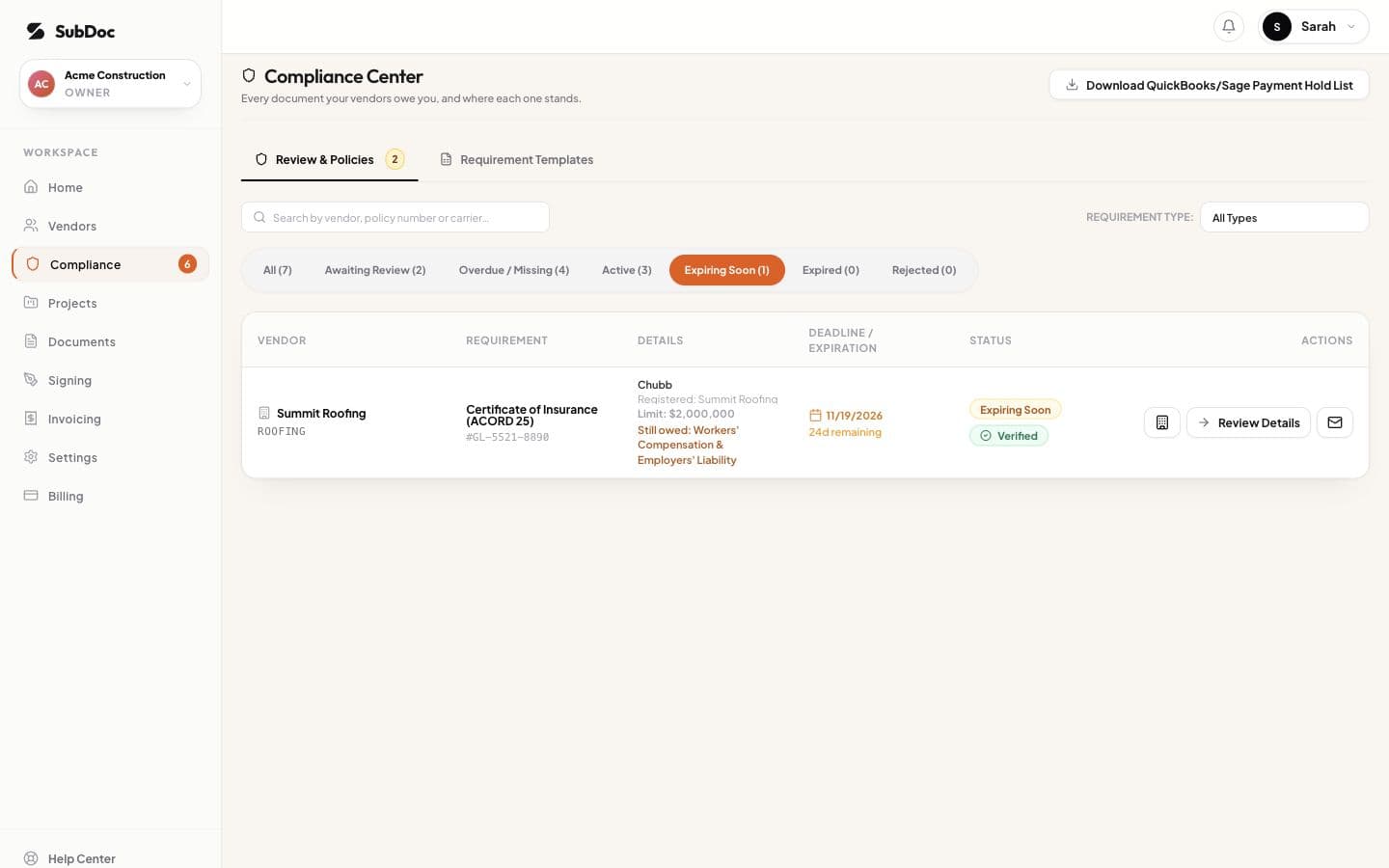
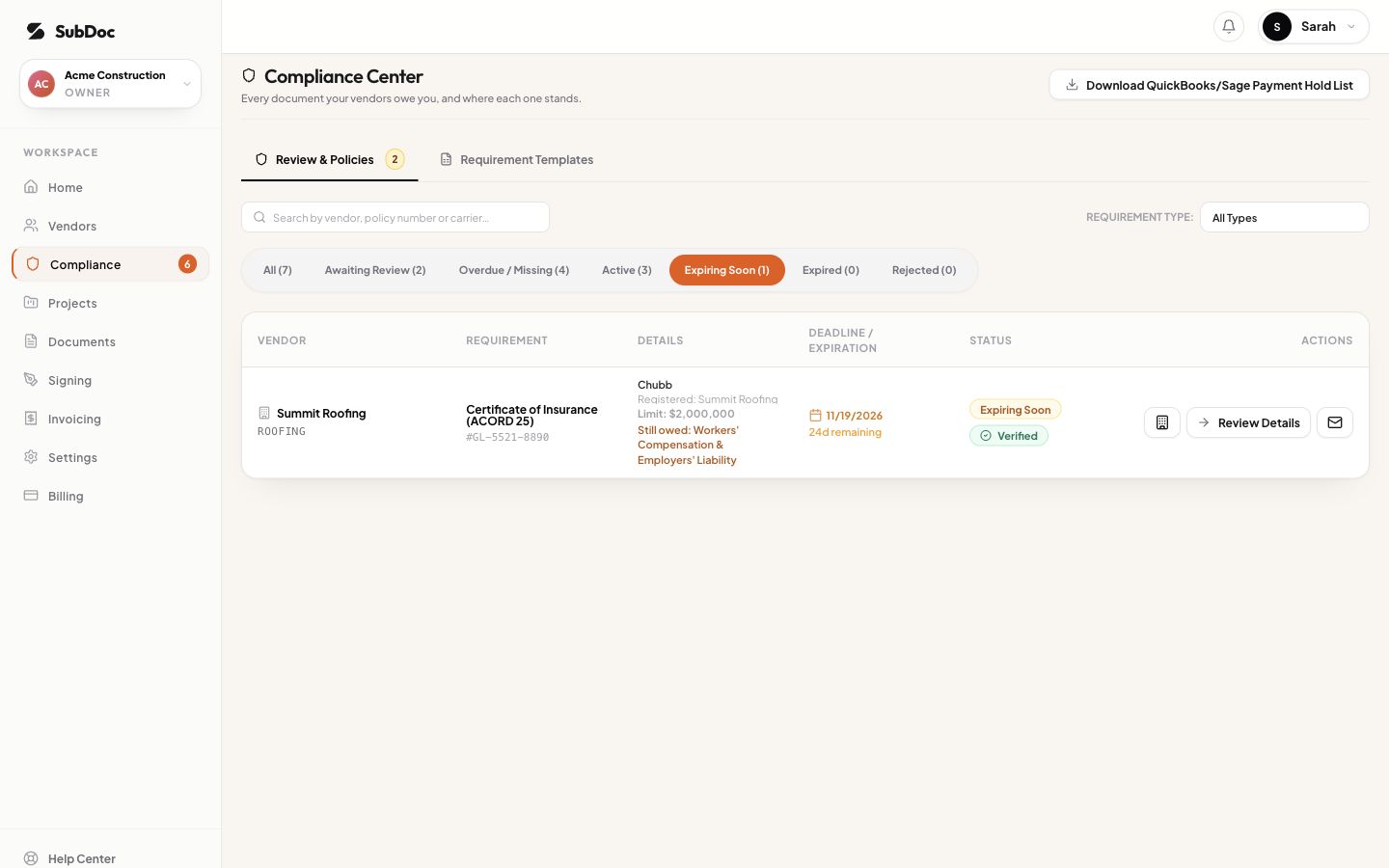
SubDoc's published help describes team expiration alerts and staff-initiated vendor reminders. Its current help distinguishes team alerts from vendor outreach. Staff initiate the request; optional follow-ups, off by default, can re-send an open request after that first message until an upload arrives. Do not interpret an automated team alert as automatic broker chasing. Use a harmless, authorized trial to verify the actual configuration you intend to rely on.
A fictional three-policy selection exercise
Assume a fictional subcontractor has general liability expiring December 1, workers' compensation November 17 and auto January 15. The proposed calendar contains only the December event. A reviewer should flag the missing lines before judging how attractive the reminder email looks.
The coordinator also assumes calendar sharing gives the backup identical notifications. The matrix records that assumption as untested, with an action to verify the backup's settings and observe a harmless test. No delivery result is invented. Another row assigns the still-manual evidence request to a named coordinator.
The example deliberately stops short of a pass. It shows how to identify a design gap before choosing a tool. If the team instead considers Lists or a dedicated tracker, repeat the same requirements against that configuration and retain its evidence separately.
Make a selection you can explain at handoff
- Write the required outcome. Specify the policy lines, responsible staff, intended recipients and evidence location. Avoid a vague requirement such as “fully automated.”
- Identify the actual configuration. Record product, plan, calendar or list owner, relevant settings and the person who maintains them.
- Distinguish documentation from observation. A provider's help page explains intended behavior. A dated trial records what your team observed. Keep both references and label anything untested.
- Check the exit and handoff. Confirm another authorized person can retrieve the dates, evidence links, outstanding requests and usable export. Record account dependencies before the original coordinator leaves.
A certificate is a summary, not the policy. Travelers explains its limits, including that it does not amend or guarantee coverage. None of these tracking approaches prevents a lapse or proves a claim will be covered merely by sending a reminder. Resolve insurance questions with the producer or qualified adviser.
Choose the approach whose demonstrated behavior meets your requirements, with ownership for the remaining manual work. Then use the separate alert-setup guide to configure the selected process. Start with the blank selection matrix and keep the evidence behind the decision.